Loading AI Signal deals…
Builder picks
Deals for AI builders, homelabs, and coding setups
This is the practical gear shelf for AISignal: mini PCs, storage, networking, audio/video, and desk hardware that actually helps when you run local agents, side projects, or always-on automation.
As an Amazon Associate, AI Signal earns from qualifying purchases.
Editor’s top picks
Three categories to compare when planning a development workspace.
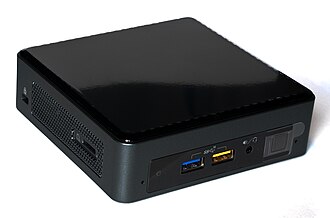
Local developmentMini PC
Mini PC for local AI experiments
Compare compact PCs for local development. Check memory capacity, operating-system support, and your model’s hardware requirements before choosing.
Best for
OpenClaw, Docker, local dashboards, side projects
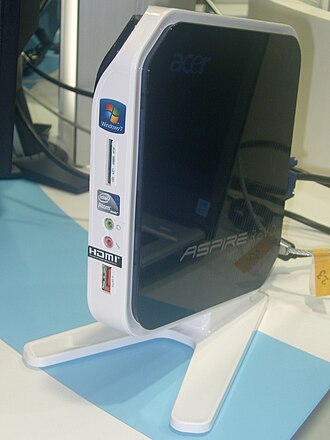
HomelabMini PC
Beelink-class homelab box
Compare mini PCs for local dashboards, automation, and test databases. Check upgrade options and measured power use for the configuration you choose.
Best for
24/7 services, light homelab, internal tooling
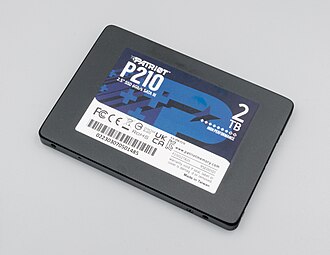
High impactStorage
4 TB NVMe SSD for model caches
Fast local storage matters when you keep embeddings, Docker volumes, media, and cloned repos on the same machine.
Best for
embeddings, Docker, repo clones, media pipelines
Local developmentMini PC
Mini PC for local AI experiments
Compare compact PCs for local development. Check memory capacity, operating-system support, and your model’s hardware requirements before choosing.
Best for
OpenClaw, Docker, local dashboards, side projects
HomelabMini PC
Beelink-class homelab box
Compare mini PCs for local dashboards, automation, and test databases. Check upgrade options and measured power use for the configuration you choose.
Best for
24/7 services, light homelab, internal tooling
High impactStorage
4 TB NVMe SSD for model caches
Fast local storage matters when you keep embeddings, Docker volumes, media, and cloned repos on the same machine.
Best for
embeddings, Docker, repo clones, media pipelines
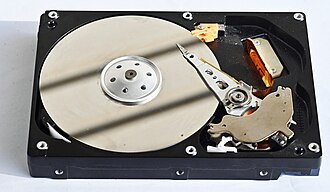
Storage
Large NAS drive for archives and backups
Compare NAS drives for project archives and backups. Check enclosure compatibility and keep a separate backup of important files.
Best for
cold storage, backups, long-lived project archives
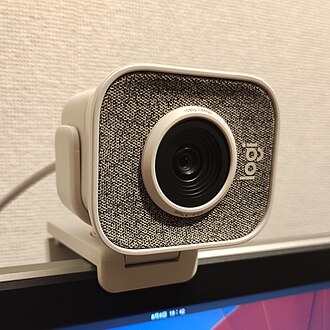
CreatorAudio / Video
Webcam for demos, recordings, and support calls
If you record walkthroughs for guides or do client calls, a reliable webcam is a better upgrade than most people expect.
Best for
guide recordings, support calls, creator workflows
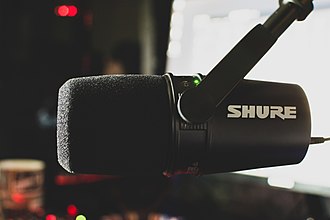
Audio upgradeAudio / Video
USB/XLR mic for clean voice notes and tutorials
A good microphone helps for guide narration, Whisper pipelines, meetings, and any voice-first workflow.
Best for
tutorials, Whisper, calls, clean TTS/STT inputs
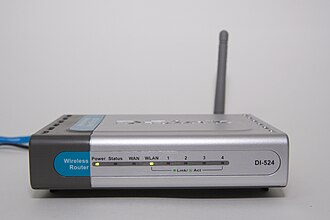
Networking
Wi-Fi 7 router for a heavier dev/home stack
Helpful if companion devices, NAS, streaming, and dev boxes all compete for bandwidth on the same network.
Best for
device-heavy homes, companion apps, mesh stability
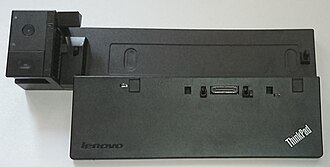
Desk resetDesk Setup
USB-C / Thunderbolt dock for the main workstation
Makes it easier to switch between coding, streaming, charging, external SSDs, and multiple displays without cable chaos.
Best for
multi-monitor setups, laptop desks, cable cleanup
Desk Setup
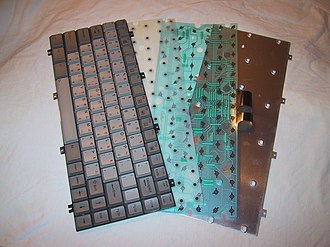
Mechanical keyboard for long coding sessions
A quality keyboard is one of the few upgrades you feel every single day when writing code, prompts, and docs.
Best for
daily coding, writing, low-friction desk ergonomics
ReliabilityPower
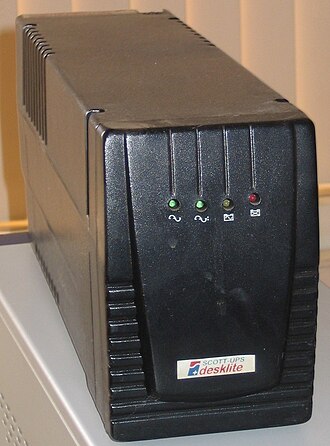
UPS for always-on services
Compare UPS units for your mini server and network gear. Check the load rating, runtime, and supported shutdown features.
Best for
always-on automations, mini servers, network gear
We link to useful product searches, not live offers. Prices, discounts, ratings, and availability are not shown on this page; compare current listings and verify details on Amazon before buying.